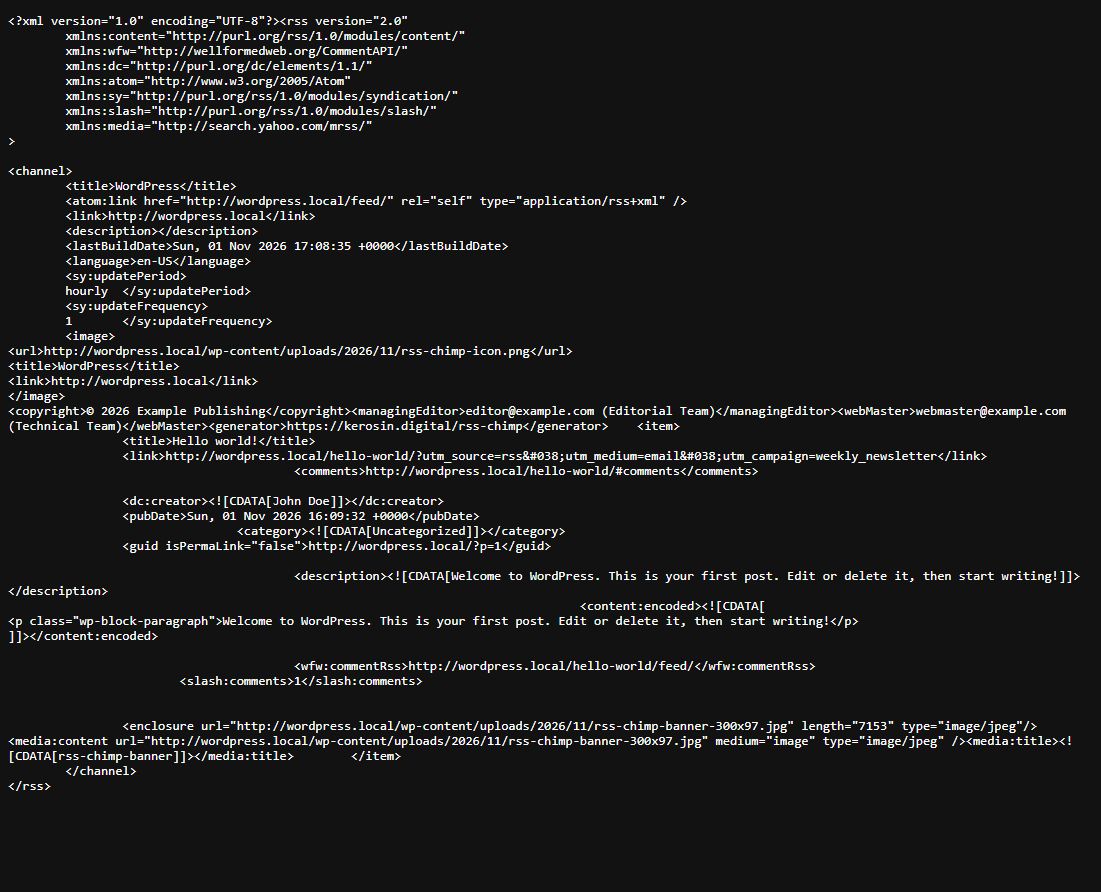
First establish whether the image is missing from the feed XML or only from the reader/newsletter display. RSS Chimp adds featured-image metadata; it does not configure every service’s email template.
Check the post and feed
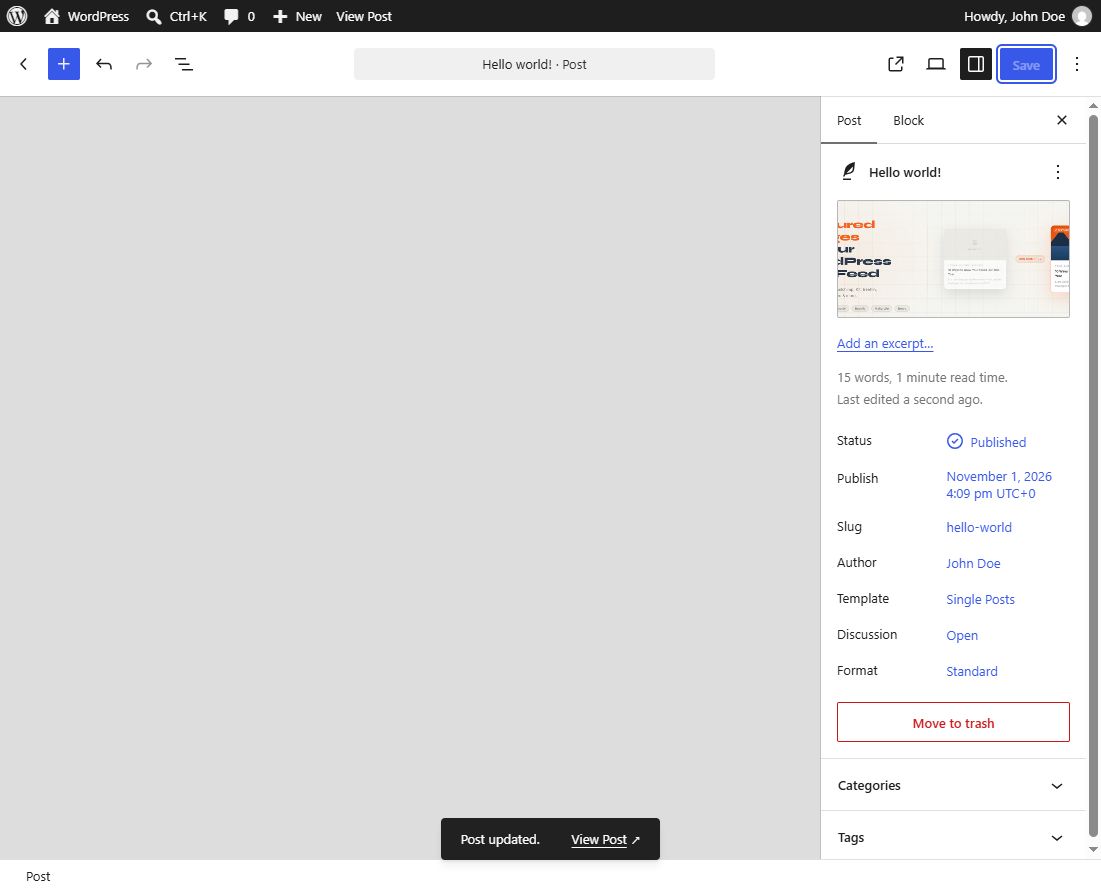
- Confirm the published post has an assigned Featured image, not just an image in its body.
- Check that the post appears in the intended feed.
- Open the raw feed response and find the post’s item.
- Look for
<media:contentand open its URL in a private/logged-out browser window.
An image entry can look like this:
<media:content url="https://example.com/wp-content/uploads/sample-300x200.jpg" medium="image" type="image/jpeg" />Choose the correct size
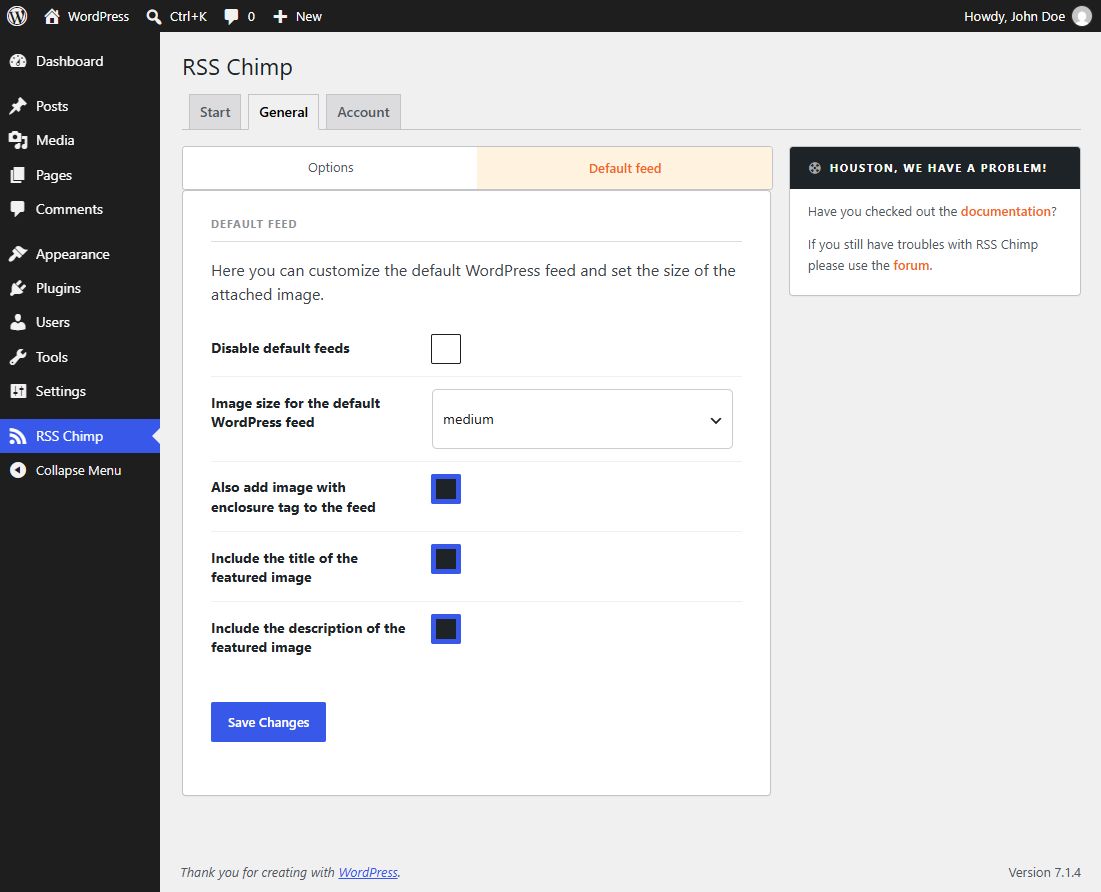
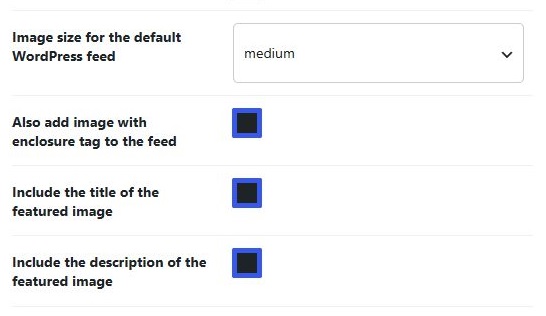
For the default feed, open RSS Chimp → General → Default feed. For a Pro custom feed, use that row’s settings under Feeds. Save the size and check the resulting image URL and dimensions. A reader may resize the image itself.
If the selected size does not exist
A size registered after an image was uploaded may not have a generated file. Regenerate thumbnails for the affected images with an appropriate media-management tool after taking a backup. Check that WordPress can read the attachment and that a CDN or media-offload service exposes the selected file.
If XML has the image but the email does not
Check the receiving template’s image field and preview with a recent post that has an image. Clear website/CDN caches and refresh the service preview. Password-protected posts do not expose their featured-image metadata through RSS Chimp. Changing permalinks is not a general remedy for an image issue when the feed URL already opens.
Related articles