
Available in Free and Pro. Use this setting when you want to keep post feeds available but redirect requests for comments feeds to your website’s front page.
Turn off comments feeds
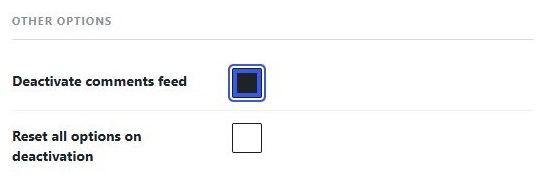
- Open RSS Chimp → General → Options.
- Find Other options.
- Select Deactivate comments feed.
- Click Save Changes.
Check the redirect
Open your site’s global comments-feed URL, commonly https://example.com/comments/feed/, in a separate browser tab. It should redirect to the front page. WordPress also has per-post comments-feed URLs; check one if your site exposes them.
What remains unchanged?
This does not delete comments, close comment forms or hide comments displayed on posts. It is not a privacy control for content already public elsewhere. The normal post feed remains available unless Disable default feeds is also enabled.
If the comments feed still opens
Confirm that the option was saved. Clear any website or CDN cache for the comments-feed URL, then test without a feed reader’s cached response. Another plugin may replace WordPress’s feed handling; investigate conflicts on a staging site.