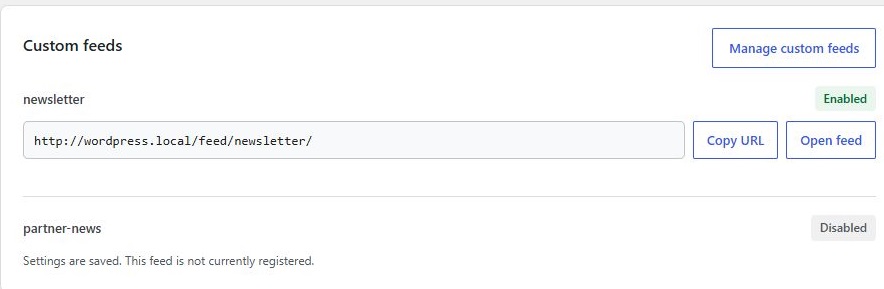
A feed URL returning 404 and a feed showing old content have different causes. First copy the exact URL from RSS Chimp → Start and identify which case applies.
A custom feed returns 404
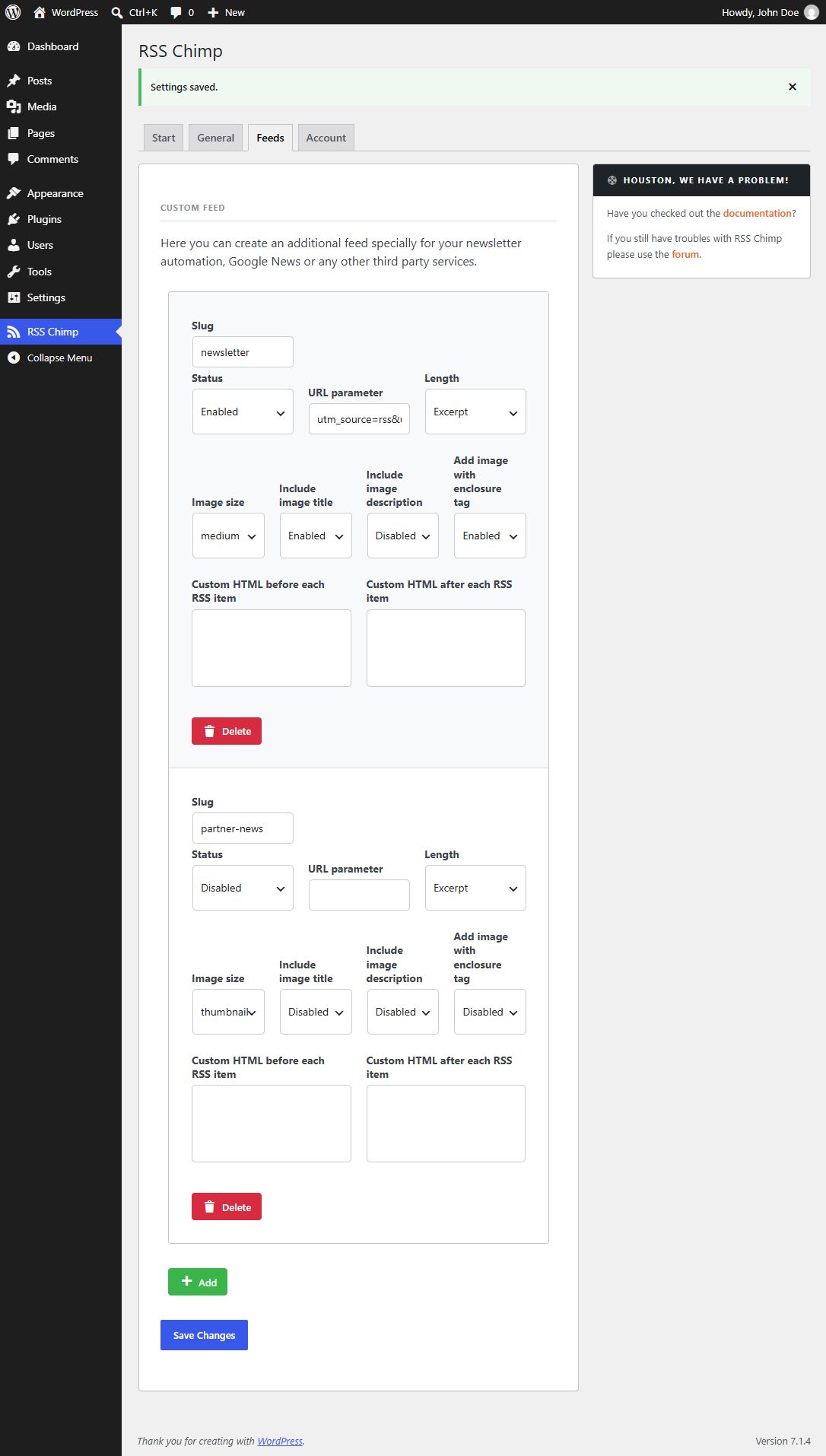
- In Pro, open RSS Chimp → Feeds and confirm the feed has a saved, unique slug and its status is Enabled.
- Save your settings. RSS Chimp requests a rewrite refresh when custom-feed settings change.
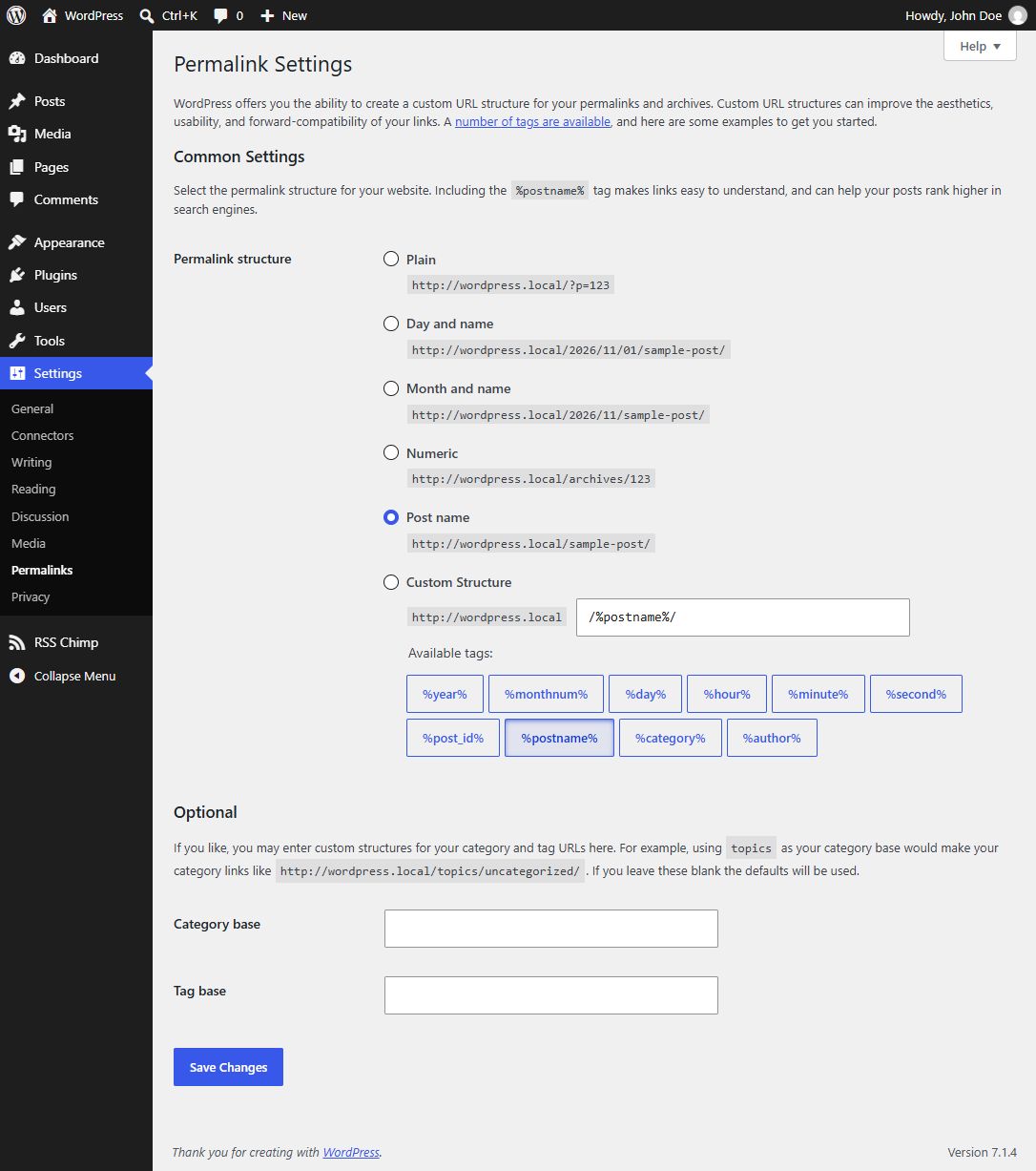
- If the URL still returns 404, open Settings → Permalinks and click Save Changes without changing the permalink structure.
- Clear any cached 404 response and open the dashboard’s feed link again.
The URL opens but the contents are old
Check the post status, feed entry limit and publication delay. Clear website, server or CDN caches serving that URL. Compare the raw feed with your newsletter service’s preview. Refreshing rewrite rules does not purge these caches.
Optional WP-CLI method
Administrators comfortable with the command line can run wp rewrite flush from the WordPress installation directory instead of saving Permalinks. Use this for a routing problem; do not schedule rewrite flushing on every request.
What to send support
Include the exact public URL, HTTP status if known, RSS Chimp version, whether it is a default or custom feed, and whether it works with plain or pretty permalinks. Do not include administrator passwords, license keys or private feed credentials.
Related articles