
Available in Free and Pro. Lazy loading adds loading="lazy" to image elements in feed content that do not already declare a loading attribute. A compatible browser or reader can then defer image downloads until needed.
Enable lazy loading
- Open RSS Chimp → General → Options.
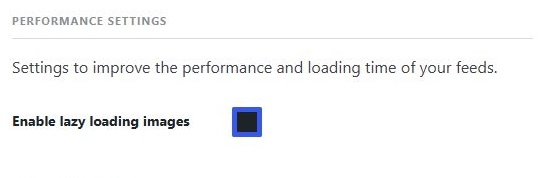
- In Performance Settings, enable Enable lazy loading images.
- Click Save Changes.
What this setting changes
It affects HTML <img> elements in feed content. It does not make the XML response itself lazy, reduce the size of the original image file or add lazy loading to a Media RSS URL. It is not intended to change image loading on normal website pages.
Check the result
Use a post containing an image in its content. Open the raw feed and look for loading="lazy" in the image markup. If the feed uses excerpts without images, there may be no image element to change.
Reader and email support
Readers and newsletter services can remove or ignore the attribute. Always preview your feed in the service you use. If another plugin changes image markup, test on staging with one image transformation enabled at a time. A loading attribute already present in the content is retained.