
The lazy loading feature adds loading="lazy" to images in your feed content. This tells modern browsers and many feed readers to download images only when needed, reducing bandwidth and speeding up feed loading. Lazy loading is helpful if your feed contains many images or large image files.
Not all feed readers, browsers, or newsletter services support loading=”lazy”. Whether lazy loading works depends on the platform or service that displays your feed.
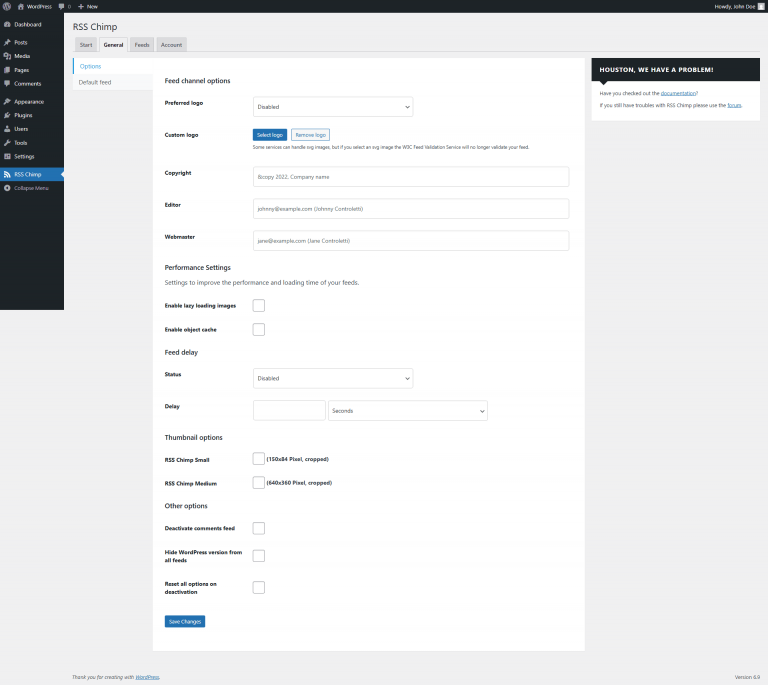
How to enable lazy loading images?
- Go to RSS Chimp → Settings → General → Options
- Enable “Enable lazy loading images” and click “Save”
If you see duplicate loading attributes or formatting issues, disable this option because another plugin may already be adding lazy loading.
1
Go to RSS Chimp → Settings → General → Options
2
Enable "Enable lazy loading images" and click "Save"